
Join Getcovery as arecovery or transportpartner
For companies and self-employed operators
Create your account first. Complete coverage, services, drivers and documents after sign-in.
- Company or IndividualCreate a partner account for a recovery company or an individual self-employed operator.
- Coverage Area and Services OfferedSet your base address, Coverage Radius and Services Offered during registration.
- Drivers and vehiclesAfter sign-in, add drivers, vehicles and required documents in the partner dashboard.
- Job price upfrontSee the full job price before you accept. Payouts are handled through Stripe, with bank transfer available on request.
Who can join
Getcovery partner registration is for recovery companies, vehicle transport partners and individual self-employed operators.
Recovery companies
Register a Company account for a recovery or transport business that manages drivers, vehicles and documents from one partner dashboard.
Individual operators
Register an Individual account if you are a self-employed recovery or transport operator setting up your own partner account.
Vehicle transport partners
Use Getcovery for vehicle transport, breakdown recovery, accident recovery or on-site help supported by your operation.
What partners manage
The partner account keeps registration, Coverage Area, Services Offered, drivers, vehicles, documents and job records organised in one system.
Coverage Area
Set your Base Address and Coverage Radius so Getcovery can understand where your operation can work.
Services Offered
Select the services your operation can provide: Breakdown Recovery, Accident Recovery, Vehicle Transport or On-site Help.
Drivers and vehicles
After sign-in, add drivers, vehicles and assignments so the system can connect eligible drivers with suitable work.
Documents and verification
Upload required driver and vehicle documents. Verified drivers and vehicles are needed before account activation.
Partner dashboard and driver app
Use the partner dashboard for account setup and operations. Drivers use the driver app for job status and live work.
Job records
Getcovery jobs use clear status updates, pickup and dropoff details, photo proof and completed job records.
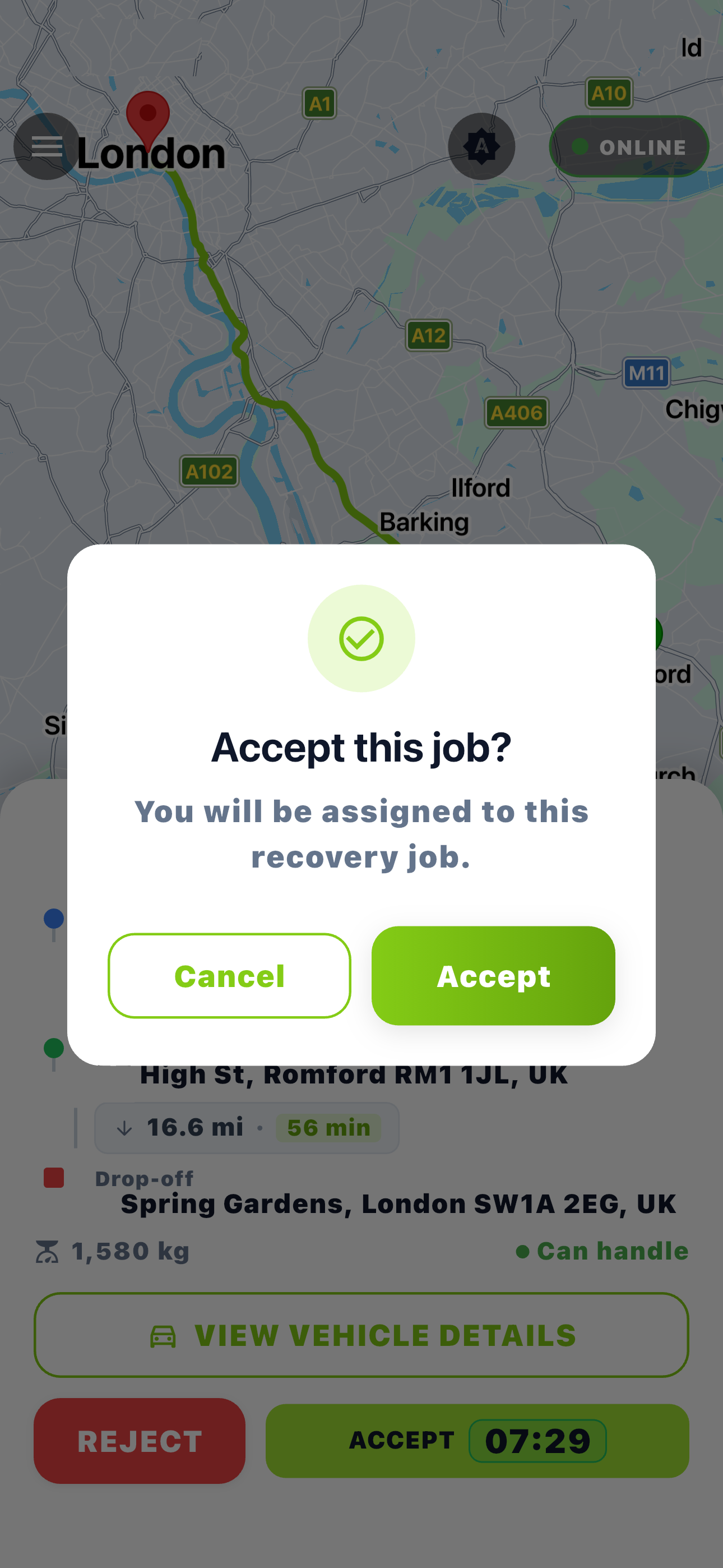
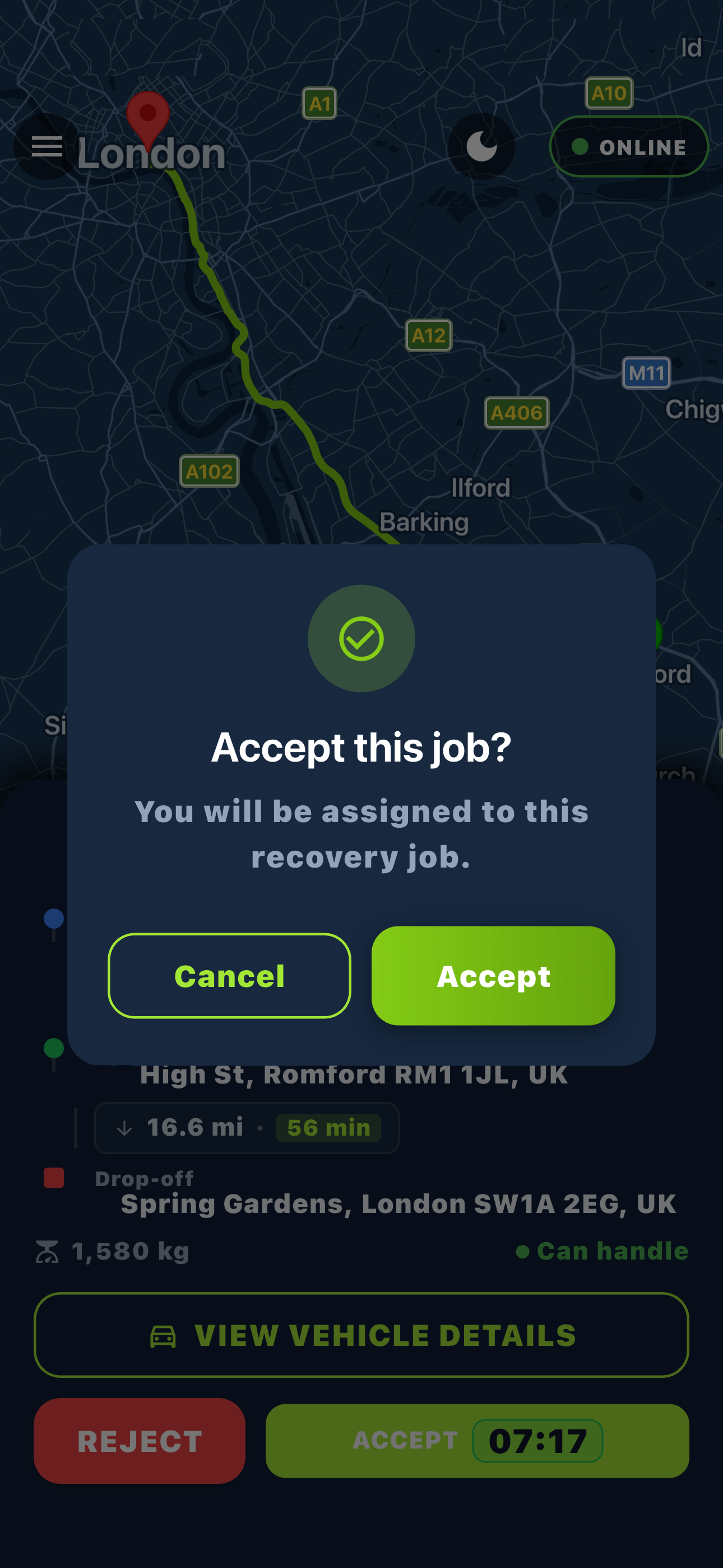
Getcovery driver app
Get the Driver App.
Accept Jobs.
Drivers can receive suitable recovery and transport jobs, review job details before accepting, update progress and stay connected while on the road.
Launching soon
Coming soon to iOS and Android
How partner registration works
The registration form creates the account. The partner dashboard is then used to complete drivers, vehicles and documents.
Create Partner Account
Choose Company or Individual, then enter Contact Information, Password, Coverage Area and Services Offered.
Verify email and sign in
After registration, verify your email and sign in to the partner dashboard with the account you created.
Set up drivers and vehicles
Add drivers, vehicles, documents and assignments. When verification is complete, the account can be activated for suitable jobs.
Before your account is ready
A partner account is created first. Drivers, vehicles, documents and assignments are completed after sign-in.
Account Type
Choose Company for a recovery business, or Individual for a self-employed operator.
- Company
- Individual
Registration details
The registration form asks for the details needed to create the partner account.
- Contact Information
- Password
- Company Details or Individual Details
- Coverage Area
- Services Offered
Partner dashboard setup
After sign-in, the partner dashboard is used to complete the operational setup.
- Add drivers
- Add vehicles
- Upload required documents
- Assign drivers to vehicles
Account activation
New partner accounts start in onboarding while the required setup and verification is completed.
- Email verification required
- Driver verification required
- Vehicle verification required
- Eligible drivers and vehicles required for jobs
Create your partner account
Open the partner registration form, choose Company or Individual, then complete your account setup in the partner dashboard.
Frequently Asked Questions
Partner registration questions for recovery companies and individual operators.